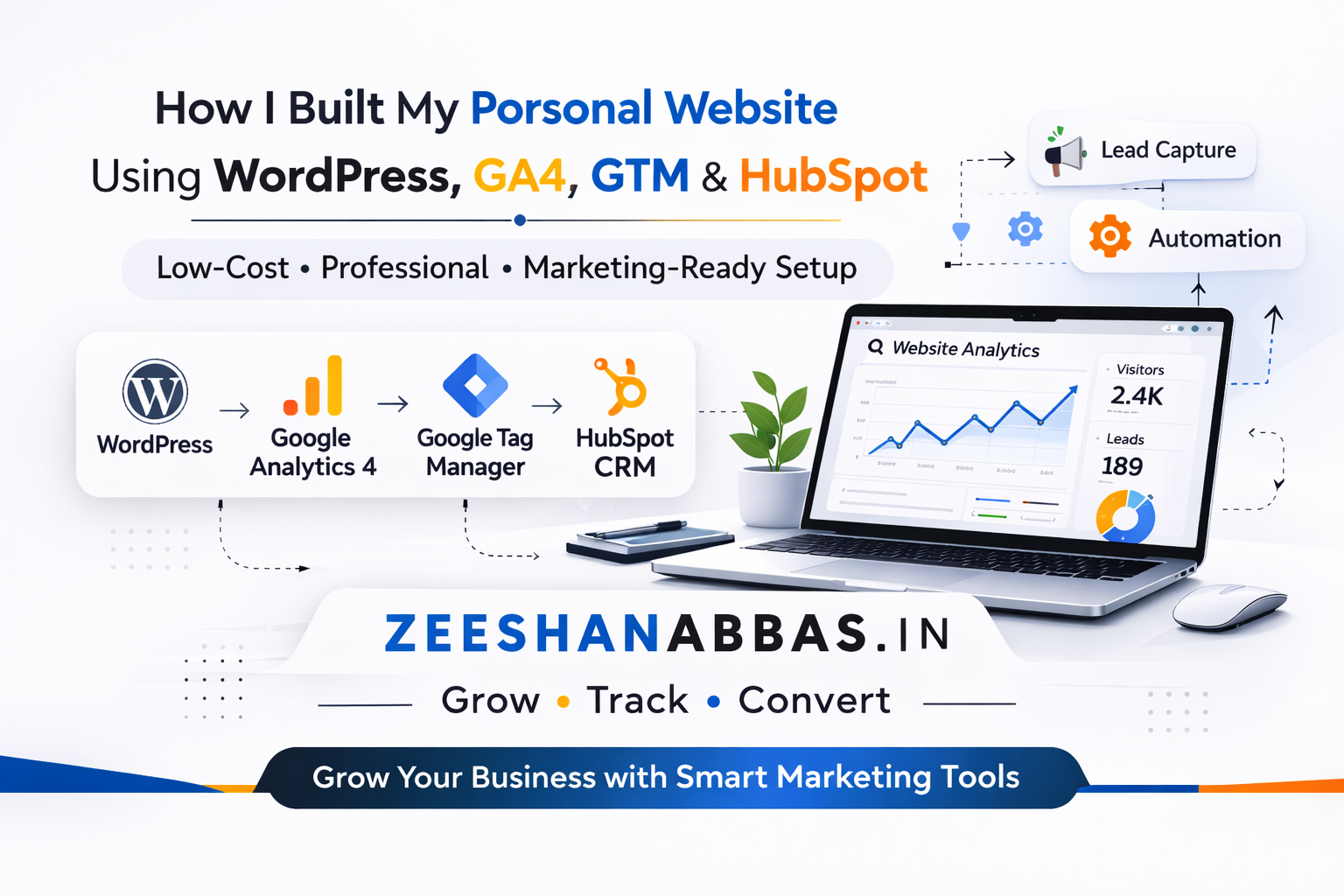
Building a personal website today is easy. Building it properly — with tracking, CRM, and future scalability — is a different story. When I started working on my website, I wanted it to look professional but also function like a real marketing asset behind the scenes. I didn't want to overspend, and I definitely didn't want to depend on expensive website builders. So I decided to build everything strategically and keep the costs low.
The complete tech stack used to build zeeshanabbas.in — from hosting to CRM
Tool
Purpose
Cost
Key Benefit
Hostinger
Hosting + Domain + Email
1-year sale deal
3-in-1 bundle, low cost
WordPress + Elementor
Website Builder
Free
Full control, own your files
Google Tag Manager
Central Tracking Hub
Free
One install, manage everything
Google Analytics 4
Visitor Analytics
Free
Page views, behavior, sources
Meta Pixel + Google Ads
Ad Tracking Readiness
Free
Ready to run ads immediately
HubSpot CRM
Lead Management
Free plan
Contacts, follow-ups, workflows
Choosing Hosting and Domain
The first step was hosting and domain purchase. I took a 1-year hosting subscription from Hostinger during one of their sale periods. It turned out to be a really good deal. With that plan, I got my domain free for one year and even received one professional email hosting account included.
Why This Was a Smart Start
Instead of paying separately for domain, email, and hosting, I bundled everything into one affordable plan. That reduced my initial cost significantly. For a personal website, shared hosting is more than enough. It's affordable, easy to manage, and supports WordPress installation with just one click.
This kept my setup simple and cost-effective from day one.
Building the Website Using WordPress and Elementor
After setting up hosting, I installed WordPress. I chose WordPress because it gives full control and flexibility. Unlike many website builders, I actually own the hosting and files.
To design the pages without coding, I used Elementor. It allowed me to create layouts visually and make the site responsive without writing custom CSS for everything.
Pages I Created
Homepage
Projects section
Contact page
I focused on clean structure, readable typography, and clear messaging rather than flashy effects. My goal was to create a site that feels professional and straightforward.
Setting Up Proper Tracking with Google Tag Manager
Most people build websites and forget about tracking. I did the opposite.
Before adding any analytics directly into WordPress, I installed Google Tag Manager (GTM). GTM acts as a central control system for all tracking scripts.
Why I Used GTM First
Instead of pasting multiple tracking codes inside WordPress:
I installed GTM once
Then managed everything inside GTM
Added tags in a structured way
Reduced the risk of duplicate scripts
This makes scaling much easier in the future.
Implementing Google Analytics 4
Once GTM was installed, I connected Google Analytics 4 through it.
With GA4, I can track:
Page views
Scroll depth
Contact form submissions
User behavior
Traffic sources
Even though my website is still growing, I can already see how visitors interact with it. That data will be extremely useful when traffic increases.
How GTM centralises all tracking without touching WordPress code again
Implementing Meta Pixel and Google Ads Tracking (Just to Be Ready 😏)
Even though I am not actively running paid campaigns yet, I implemented Meta Pixel and Google Ads conversion tracking.
Why?
Because when I decide to run ads, I don't want to start from scratch.
What I Configured
Meta Pixel via GTM
Google Ads conversion tracking
Lead event setup
Structured event naming
So technically, if I decide tomorrow to launch campaigns, the tracking foundation is already ready. Pixels are firing. Events are configured. I just need to turn on the ads.
Better to prepare early than fix tracking after spending ad budget.
Connecting HubSpot CRM for Lead Management
I didn't want contact form submissions to just land in email inboxes. So I connected HubSpot CRM to my website.
Now when someone fills out my contact form:
The data goes directly into CRM
I can track contacts
I can automate follow-ups
I can build workflows in the future
Even though this is a personal website, it now functions like a small inbound system.
Total Cost Breakdown
Here's the interesting part.
Hosting (1-year sale deal)
Free domain for 1 year
1 free professional email
WordPress (free)
Elementor free version
Google Analytics (free)
Google Tag Manager (free)
HubSpot CRM free plan
Compared to monthly SaaS website builders, this setup is significantly more affordable and much more scalable.
Design, data, and CRM — the three pillars of a performance-ready website
Final Thoughts
Building my website was not just a design project. It was a marketing foundation project. By using WordPress, GTM, GA4, HubSpot, Meta Pixel, and Google Ads tracking, I created a minimal-cost but performance-ready setup.
It's simple. It's scalable. And it's ready whenever I decide to push the accelerator. 😏
If you're planning to build your own website and want help setting up tracking, CRM, or advertising infrastructure properly, feel free to contact me.